Arch Arc : A Real-Time Tale from the Terminal
A chaotic live journal of installing Arch and losing my mind in the process.

Just a developer
Caution
I’m writing this blog in real-time, which means I’m doing stuff and writing about it simultaneously. Expect chaos, typos, and maybe enlightenment.
Phase 1: The Realization
I was lying on my bed after 5 back-to-back boring college lectures when a thought hit me:
"Why the hell am I still using Windows when I hate it so much?"
A second later, the answer came to me: ASP.
Yes, ASP, as in Active Server Pages. Who the hell is using ASP in 2025???
And not just ASP, my college wants us to use Visual Studio 2010.
(Yeah, not VS Code. I’m talking about the OG Visual Studio. The parent, not the cool child.)
Why specifically 2010? No clue. The college just said so.
So, I can't ditch Windows completely.
But the irony?
One of those 5 lectures is about Linux OS (on Fedora). So we installed Linux on a VM just to learn a few basic commands. Cool, right?
Now I’m thinking: why not install a better Linux distro?
Fedora? Ah, Hell no. (I want to insert that meme here)
Kali? Nah, overrated.
Ubuntu? Feels like Windows with extra steps.
So what’s the final call?
ARCH. Yes, you read that right. ARCH Linux.
In a VM, of course. I’m not that brave (yet).
Phase 2: Setup Vibes
Before diving in, I need music.
Currently vibing to:
🎧 Japanese Lofi: Midnight in Tokyo
I already have the VM ready. Just need the Arch ISO. Let's download it.
Abort mission?
Turns out most cool Arch setups need Hyprland, and that doesn’t work well in a VM.
(At least, that’s what they say.)

Nope. I won’t give up that easily.
Let’s go for pure Arch (no plugins, no fluff).
Free disk space: 20–25 GB available. We’re good.

Also... changing the music. That lofi got annoying.
Now listening to my personal playlist (no, I won’t share. Yes, I’m gatekeeping like a true Gen Z).
It’s happening! Download in progress...
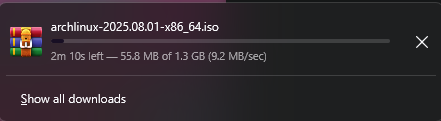
And now… booting Arch into the VM.
Stuck at 35%...
Then BOOM! It started.
It’s 4 PM. I want chai. But I’m way too hyped to leave.
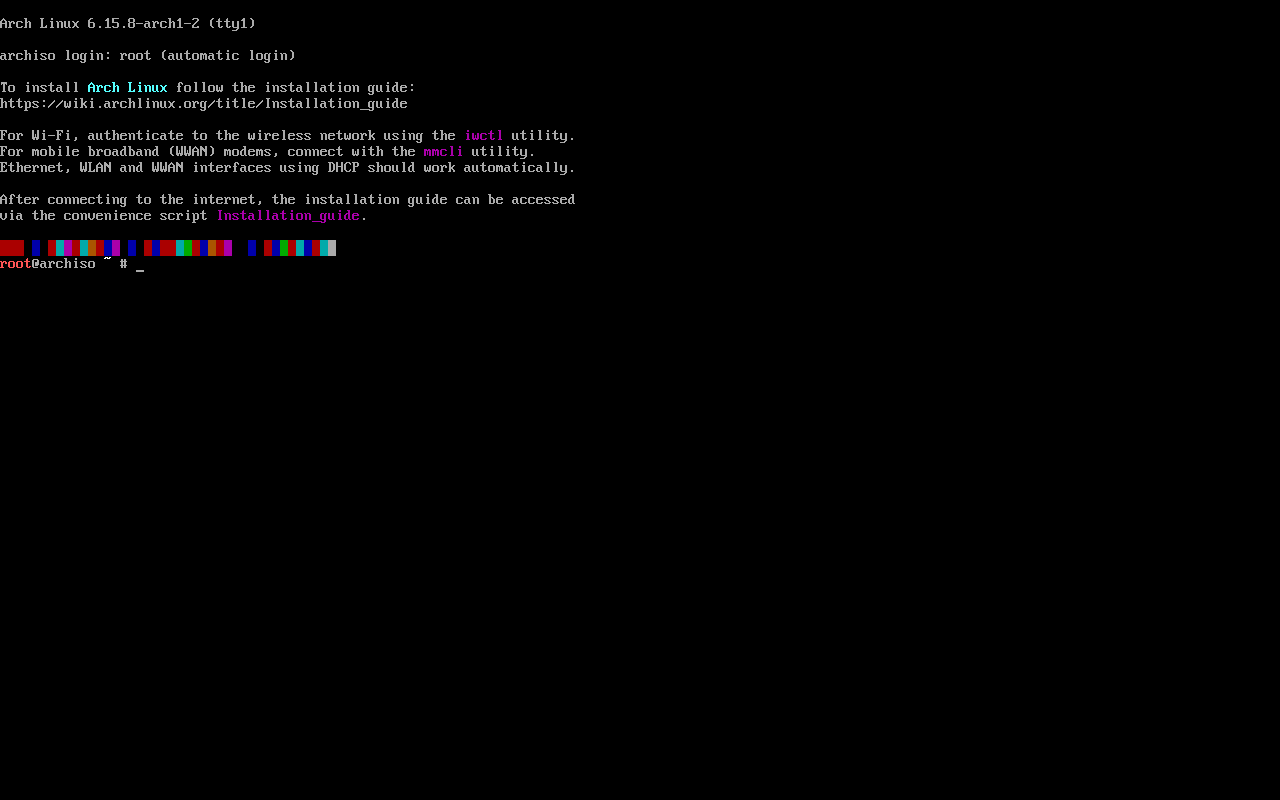
I’m acting like a child on Christmas morning. What’s happening to me?
Installing Arch (for real)
Reading the official Arch guide.
Set up keyboard layout:
localectl list-keymaps loadkeys setfont
Check network:
ip link
Weird output, but I’m pretending it's 2013, no AI, no help. Just me and the internet.
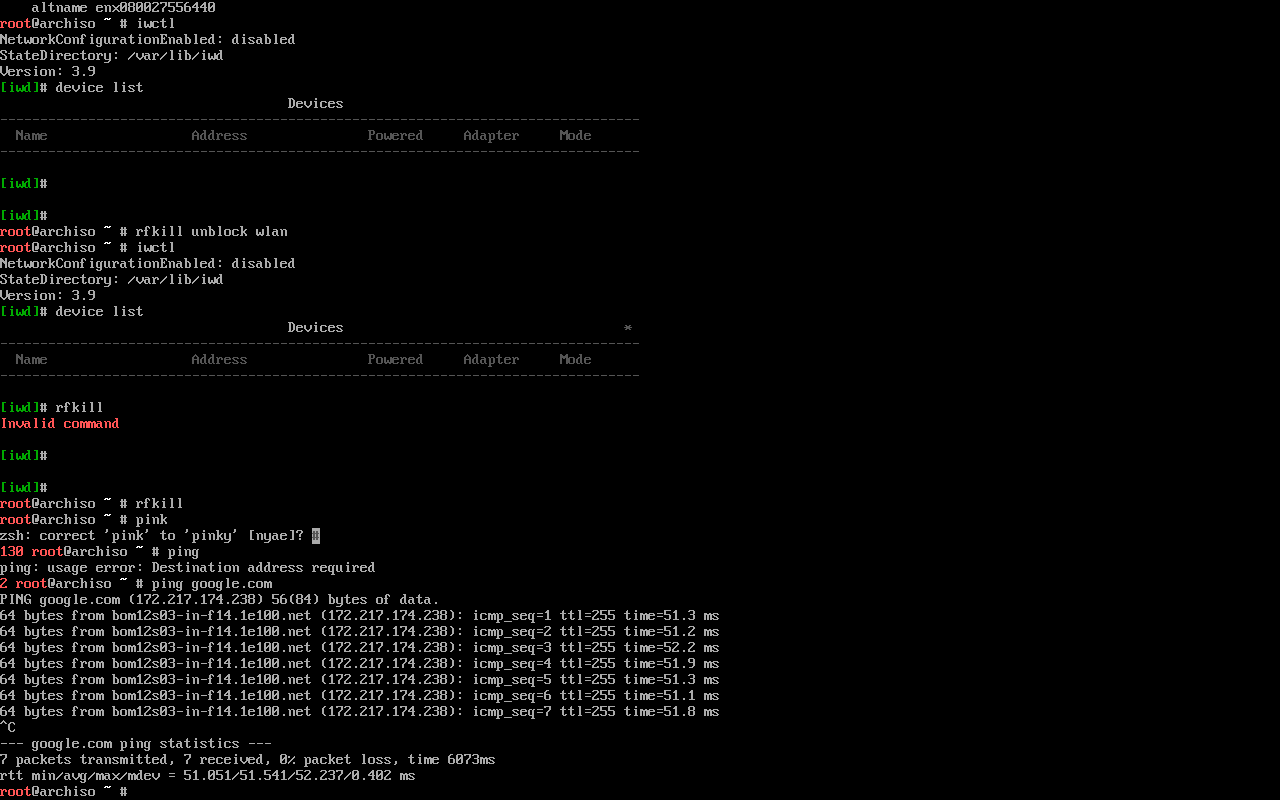
WiFi setup: iwctl
Interface seems blocked, so: rfkill unblock wlan
Eh, leaving the network setup for now.
(BTW, listening to underrated Indian rapper GhAatak, banger.)
Wait... am I already connected to the internet??
Set timezone:
timedatectl
It picked UTC+0000
Hello?? I’m from India, not the UK.
Partitioning time:
lsblk cfdisk /dev/sda
MAYBE?????? What do you mean???
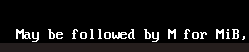
I did the partition anyway.
Formatting:
mkfs.fat -F32 /dev/sda1 mkfs.ext4 /dev/sda2
Mounting:
mount /dev/sda2 /mnt mkdir -p /mnt/boot/efi mount /dev/sda1 /mnt/boot/efi
Whew. Now for the big one:
pacstrap /mnt base linux linux-firmware vim nano networkmanager
Hacker mode: ON
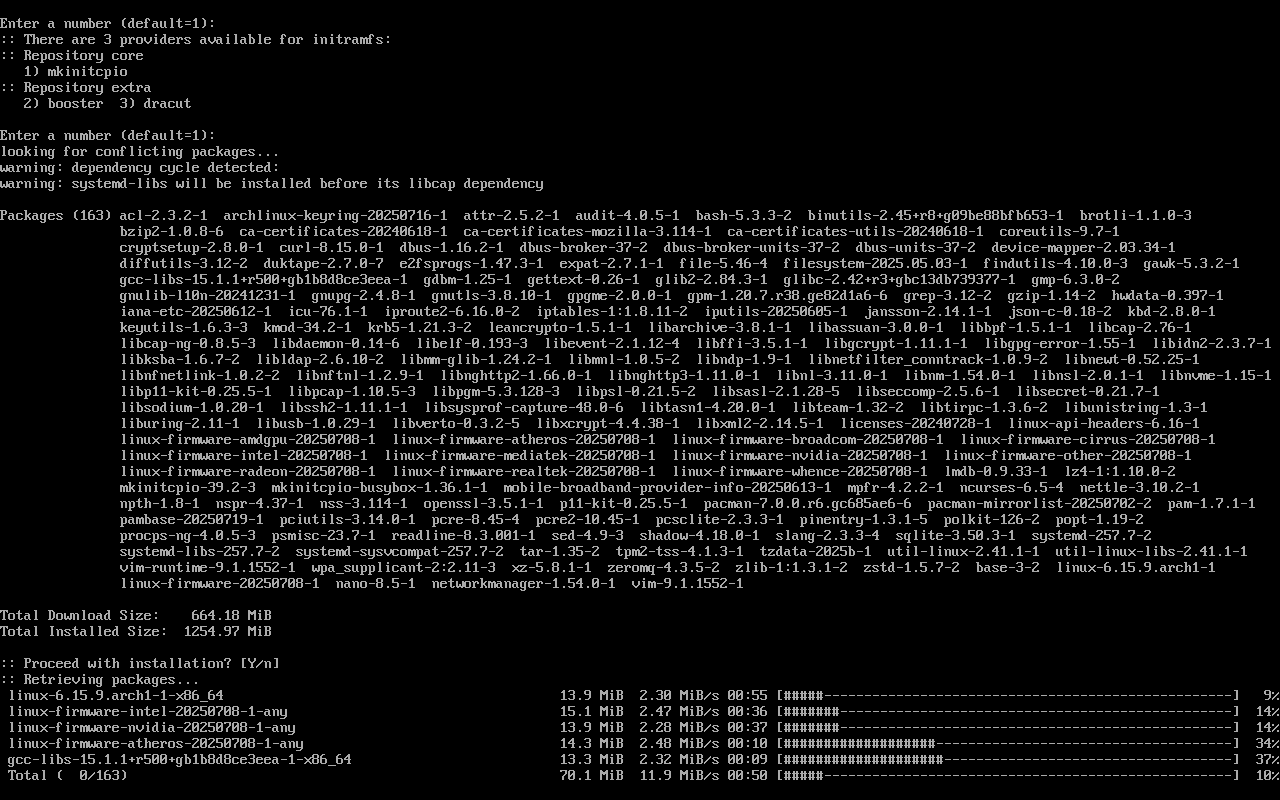
4:43 PM. I need chai.
Let’s make it while the system installs.
Done!
Phase 3: Final Setup
Generate fstab:
genfstab -U /mnt >> /mnt/etc/fstab cat /mnt/etc/fstab
Chroot into the system:
arch-chroot /mnt
Fix timezone:
ln -sf /usr/share/zoneinfo/Asia/Kolkata /etc/localtime hwclock --systohc
Locale setup:
nano /etc/locale.gen locale-gen echo "LANG=en_US.UTF-8" > /etc/locale.conf
Hostname & password:
echo my-arch-vm > /etc/hostname nano /etc/hosts
Add this:
127.0.0.1 localhost ::1 localhost 127.0.1.1 my-arch-vm.localdomain my-arch-vm
Set root password:
passwd
Install GRUB bootloader:
pacman -S grub efibootmgr dosfstools os-prober mtools grub-install --target=x86_64-efi --efi-directory=/boot/efi --bootloader-id=GRUB --removable grub-mkconfig -o /boot/grub/grub.cfg
Enable network manager:
systemctl enable NetworkManager exit umount -R /mnt reboot
Boom. We’re Done!
I know, I know… there’s still GUI, Hyprland, theming, all that fancy stuff left.
But you know what?
I installed Arch in one go.
Mic drop.


